Learning Path 0: Course Introduction
Learning Path 1: Work with Microsoft Dataverse
-
Lab 1.1: Environments
The tenant includes an environment named Dev One that you will do the majority of your lab work in. In this lab, you create another environment for use during the remainder of the labs. You will use the Developer environment type for both environments.
⏱ 10 minutesLevel 200 -
Lab 1.2: Publisher and Solution
In this lab, you will create a publisher and a solution.
⏱ 10 minutesLevel 100 -
Lab 1.3: Import solution
In this lab, you will import the developed solutions and data.
⏱ 20 minutesLevel 100 -
Lab 1.4: Tables
In later labs you will be adding columns and relationships to this custom table.
⏱ 25 minutesLevel 100 -
Lab 1.5: Columns
In this exercise, you will be creating columns on the Project Outcome custom table that you created in an earlier lab.
⏱ 25 minutesLevel 100 -
Lab 1.6: Relationships
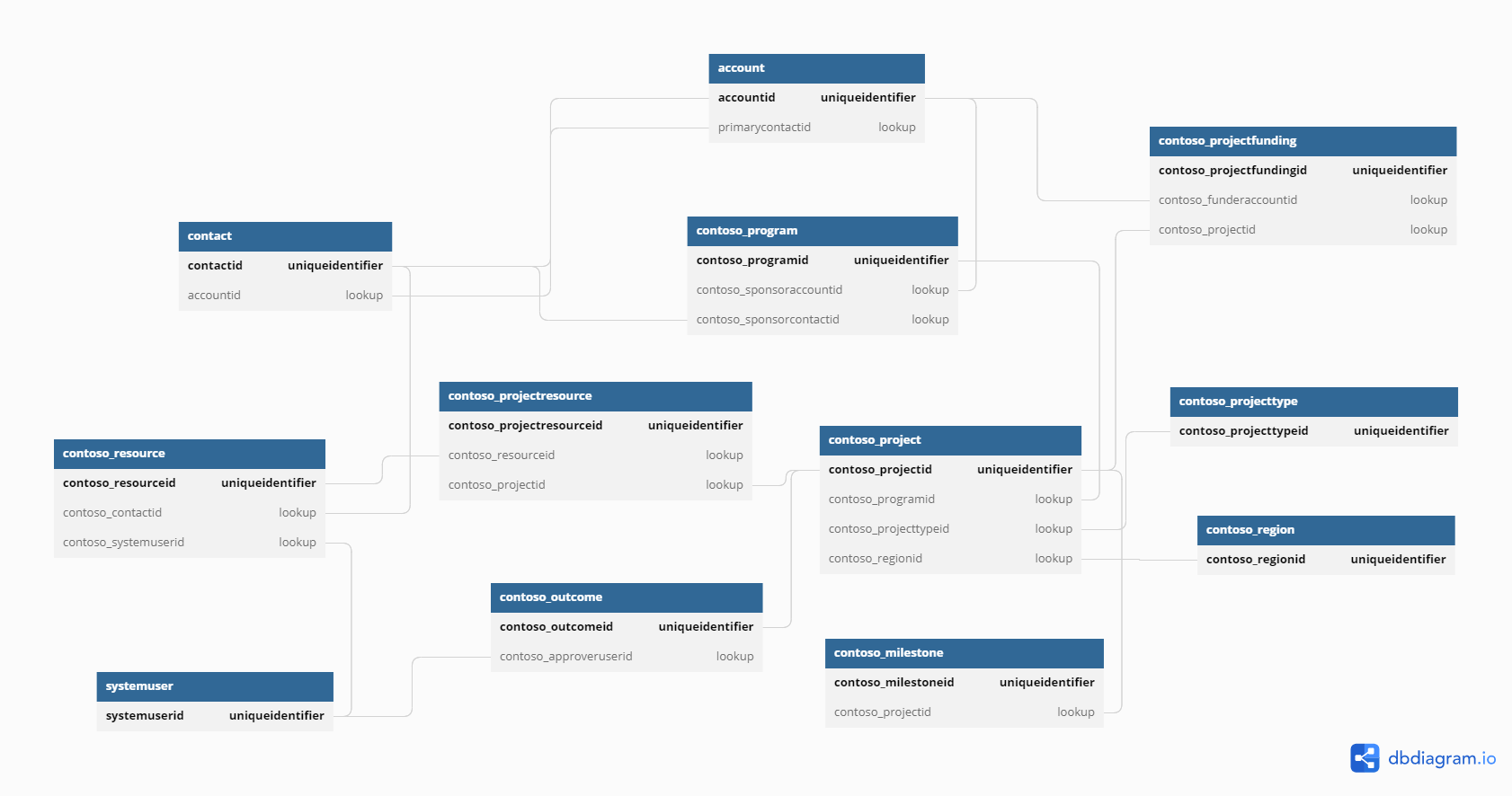
In this exercise, you will create two many-to-one relationships for the Project Outcome table to the Project and Outcome tables. These relationships will be used to replace the many-to-many relationship between the Project and Outcome tables.
⏱ 60 minutesLevel 100
Learning Path 2: Manage Microsoft Dataverse
Learning Path 3: Create model-driven apps
-
Lab 3.1: Forms
In this exercise, you will be copying a form and implementing security on forms.
⏱ 45 minutesLevel 100 -
Lab 3.2: Views
In this practice lab, you will be modifying the views for the Fabrikam Environment model-driven apps.
⏱ 30 minutesLevel 100 -
Lab 3.3: Command bar
In this exercise, you will configure the default form for the Project Outcome table.
⏱ 45 minutesLevel 100
Learning Path 4: Create canvas apps
-
Lab 4.1: Enhance a canvas app
You are a Power Platform functional consultant working with the Contoso team. You’ve been asked to create a simple Canvas app that allows users to view and update milestone records stored in Microsoft Dataverse.
⏱ 30 minutesLevel 100 -
Lab 4.2: Create a custom page
In this task, you will add the custom page to a model-driven app.
⏱ 60 minutesLevel 100
Learning Path 5: Make portals in Power Pages
Learning Path 6: Build automation with Power Automate
Learning Path 7: Logic and process automation
Optional: Manage Microsoft Dataverse
-
Audit (Optional)
In this practice lab, you will enabling auditing to track data changes in Microsoft Dataverse.
⏱ 10 minutesLevel 100 -
Bulk delete data (Optional)
In this exercise, you will create a bulk deletion operation that will delete all milestone rows with a completion date older than 12 months. You want this operation to run every month.
⏱ 10 minutesLevel 100 -
Duplicate detection (Optional)
In this practice lab, you will implement duplicate detection rules so that duplicate projects cannot be created for the same program.
⏱ 10 minutesLevel 100
Optional: Create model-driven apps
No labs match that filter.
Lab files
Supporting files referenced by the labs (solutions, sample data, scripts).